 YGOCG Inventory
Identify your exact printing
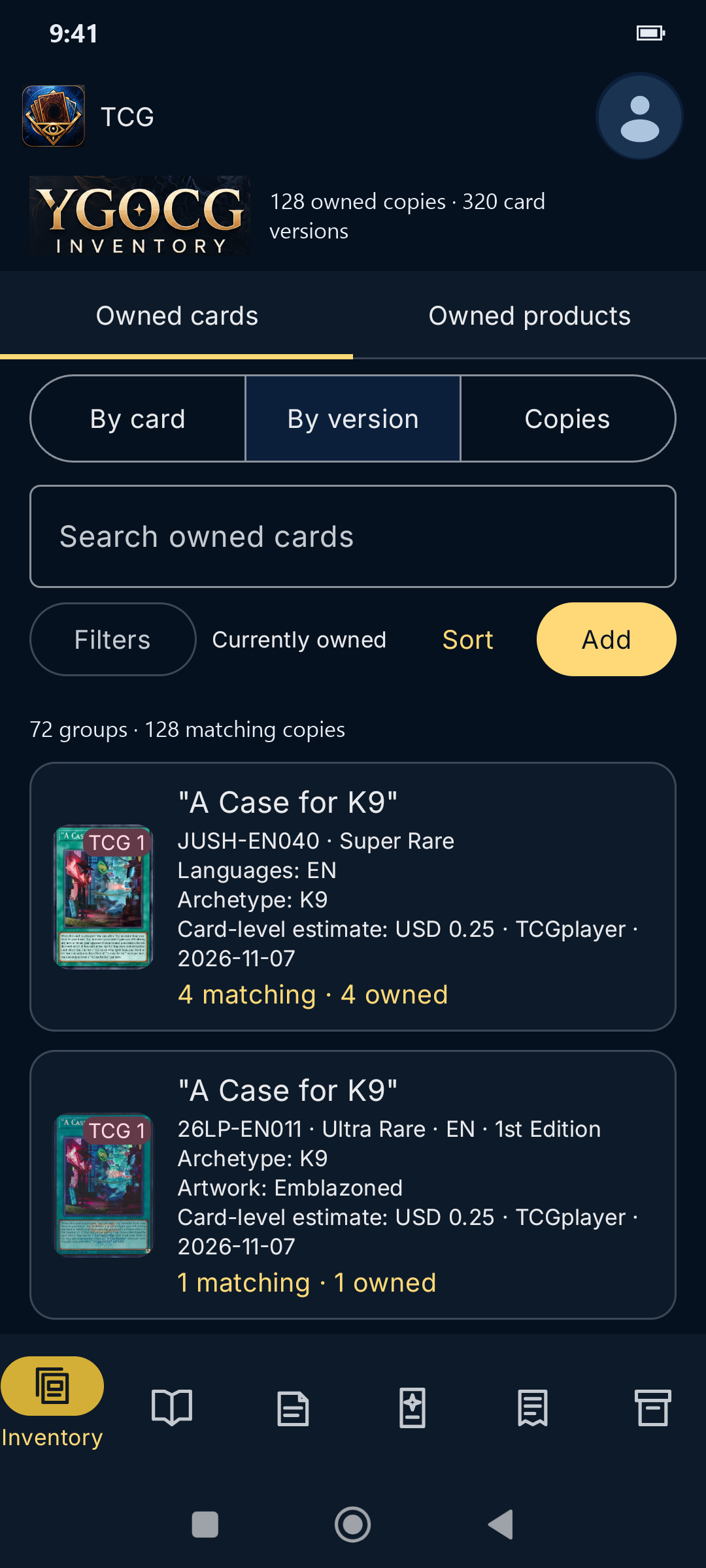
Record the set code, rarity, artwork, edition, language, and condition. Save a copy with partial details and identify it later. Compare similar TCG and OCG finishes with the annotated rarity guide.
Open-source collection app for Android
Follow your Yu-Gi-Oh! cards from the pack they came in to the binder pocket where they live. Build decks from the copies you own and see which printings you’re still missing.
Collection tools
Record the set code, rarity, artwork, edition, language, and condition. Save a copy with partial details and identify it later. Compare similar TCG and OCG finishes with the annotated rarity guide.
Define a reusable box or pack layout with fixed cards, random slots, and bonus packs. Record the cards and inner packs you actually found, including their opening order if known. Pause an unfinished pack and come back later.
Log a purchase, gift, trade, or loan across multiple lines. Review which inventory records will be created or linked before submitting. Later revisions preserve the earlier transaction history.
Arrange boxes, binders, and pages in nested storage. Use reusable layouts for pockets and rows, and move a page or container with its contents. Each card keeps its original pack and acquisition links.
Choose individual owned copies for Main, Extra, and Side decks where supported. Use deck lists to organise play while the inventory keeps track of each copy’s physical location.
Compare owned and missing cards or printings for a catalogue product. View reference estimates for copies with usable set prices and see why other copies were excluded. Acquisition costs are recorded separately.
Example · One card’s history
TCG and OCG support physical collecting workflows. Master Duel supports owned cards and decks. Inventory is tracked separately for each market.
Card database and API provided by YGOPRODeck. Import supported cards, sets, and printings, along with available artwork and reference prices. You can narrow an import by card name or market and review conflicts with your catalogue.
Imports depend on the provider’s coverage and availability. YGOPRODeck limits request rates and asks clients to store downloaded data and images locally. Imports may pause when a limit is reached.
Save the full inventory or your filtered view as CSV or JSON. Android Auto Backup can include essential collection data, subject to your device’s backup settings.
Captured on Android
Open any screenshot to see the full phone view. Profile images and private totals have been replaced with an anonymous avatar and example values.
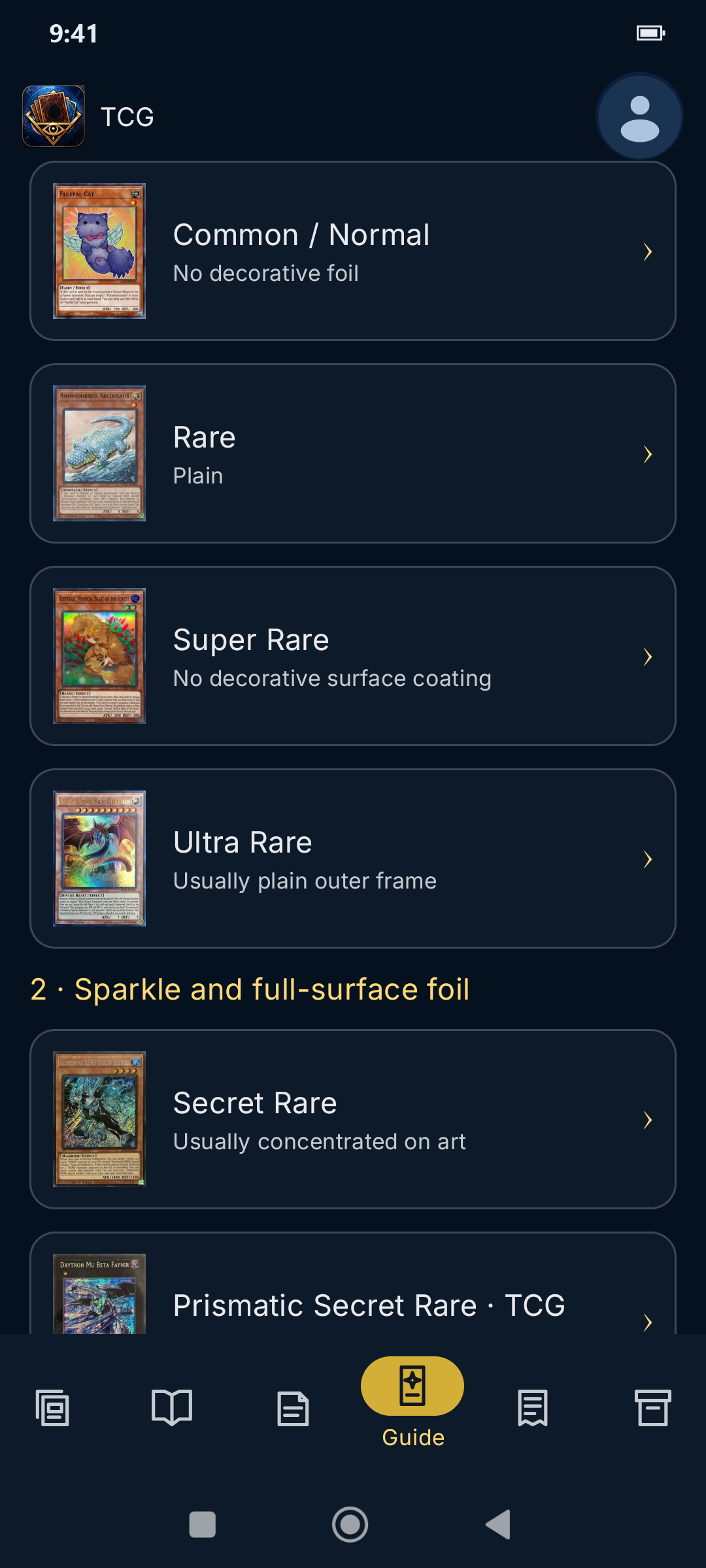
Compare TCG and OCG rarity references. See what to look for in the name lettering, artwork, surface, and border.
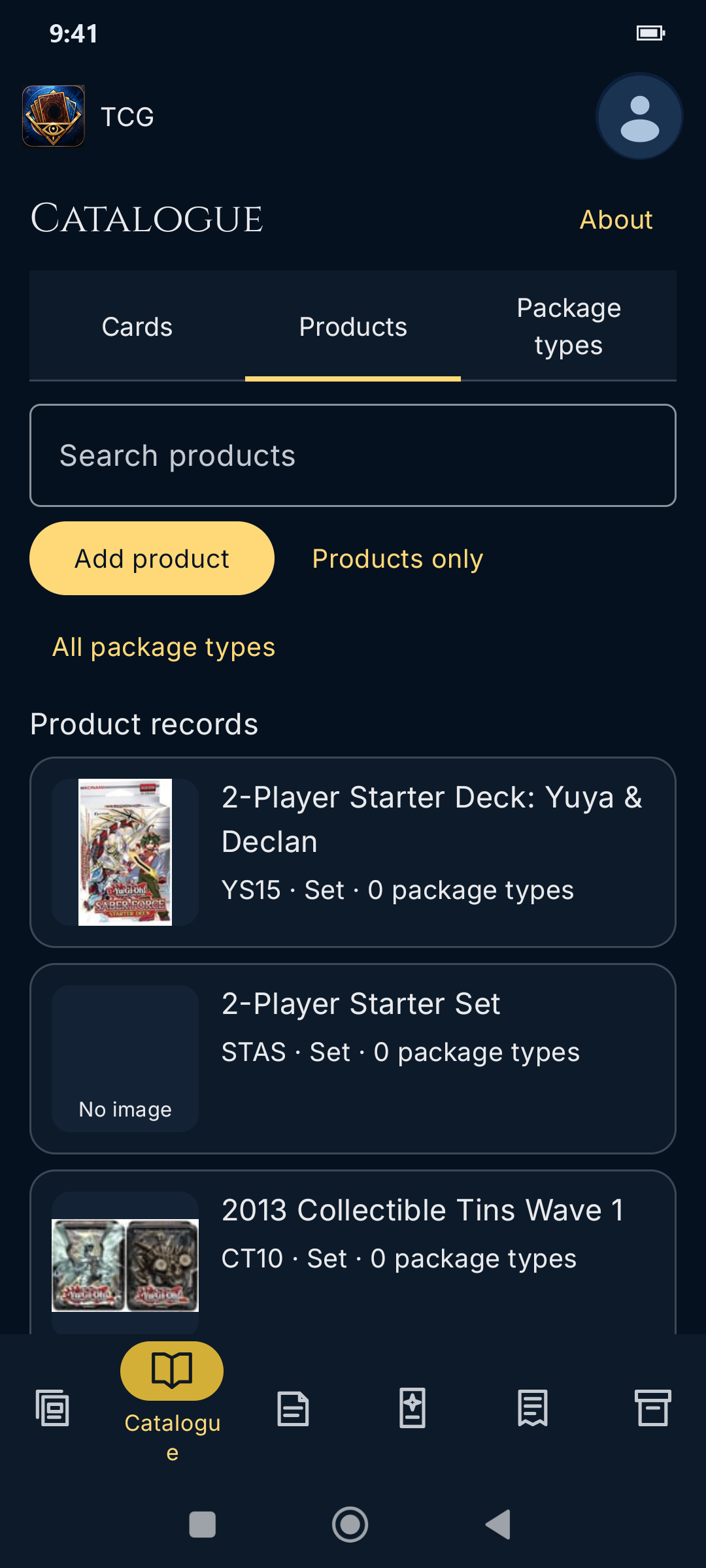
Look up products such as starter decks and tins. The Catalogue also has separate views for cards and reusable package types.
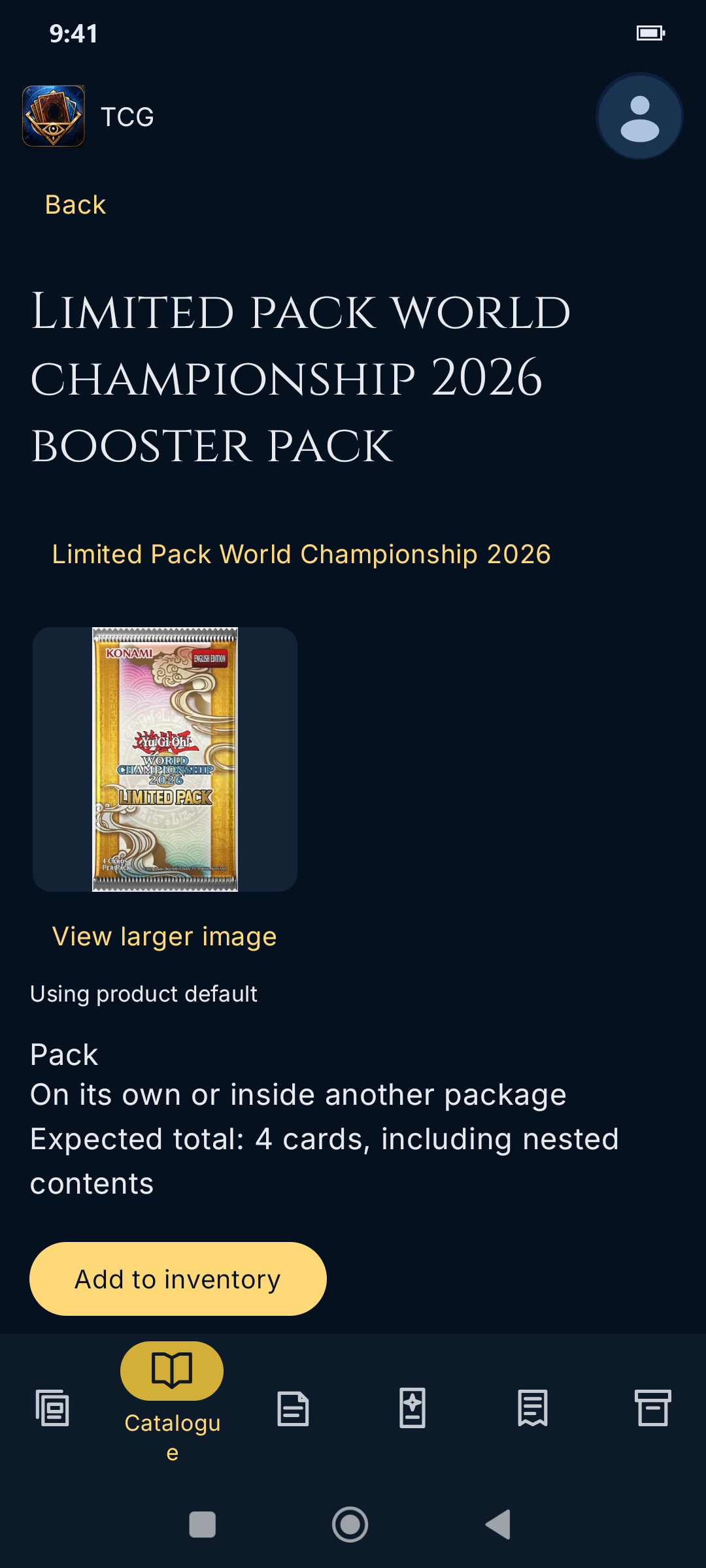
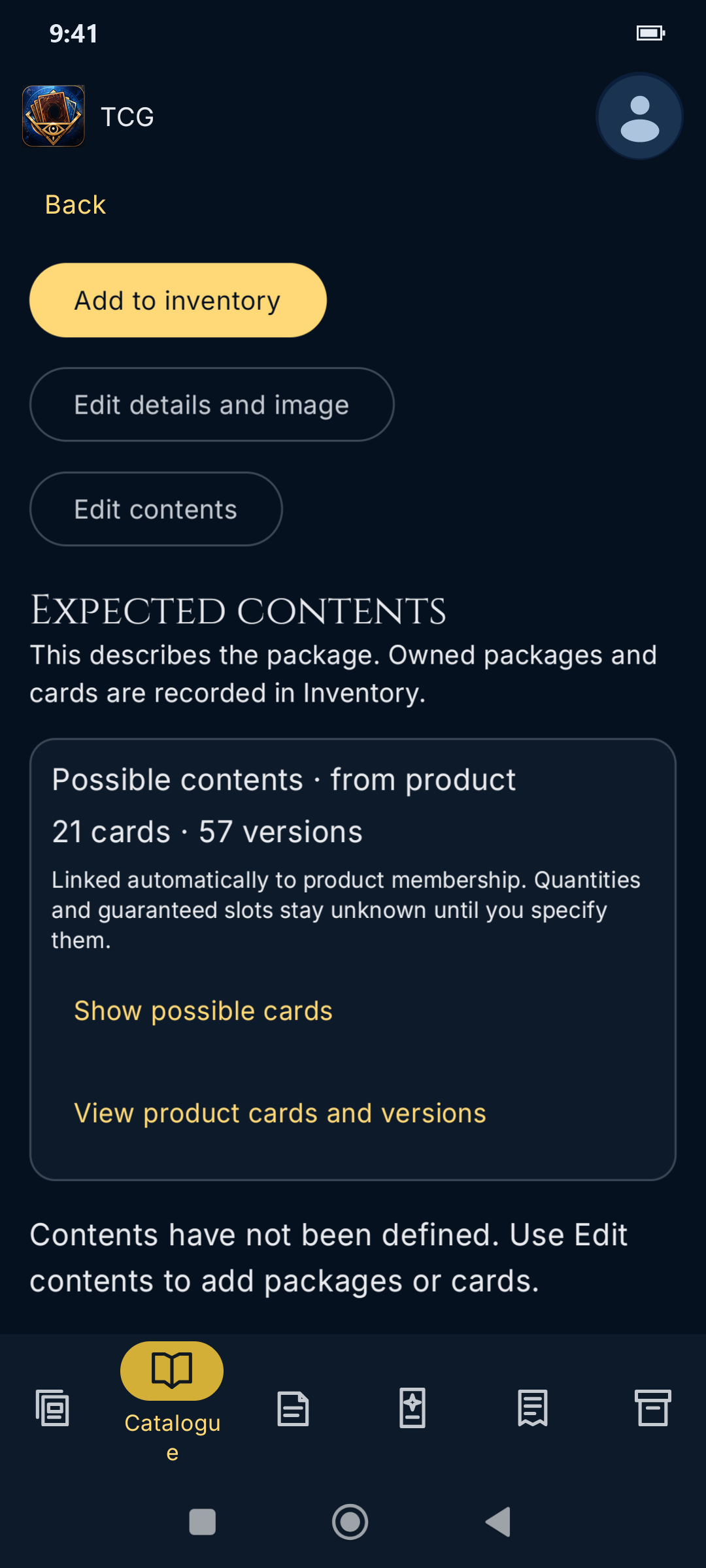
Set where a pack can appear and how many cards to expect. The product’s card pool shows what might be inside, while the owned pack records your actual pulls.
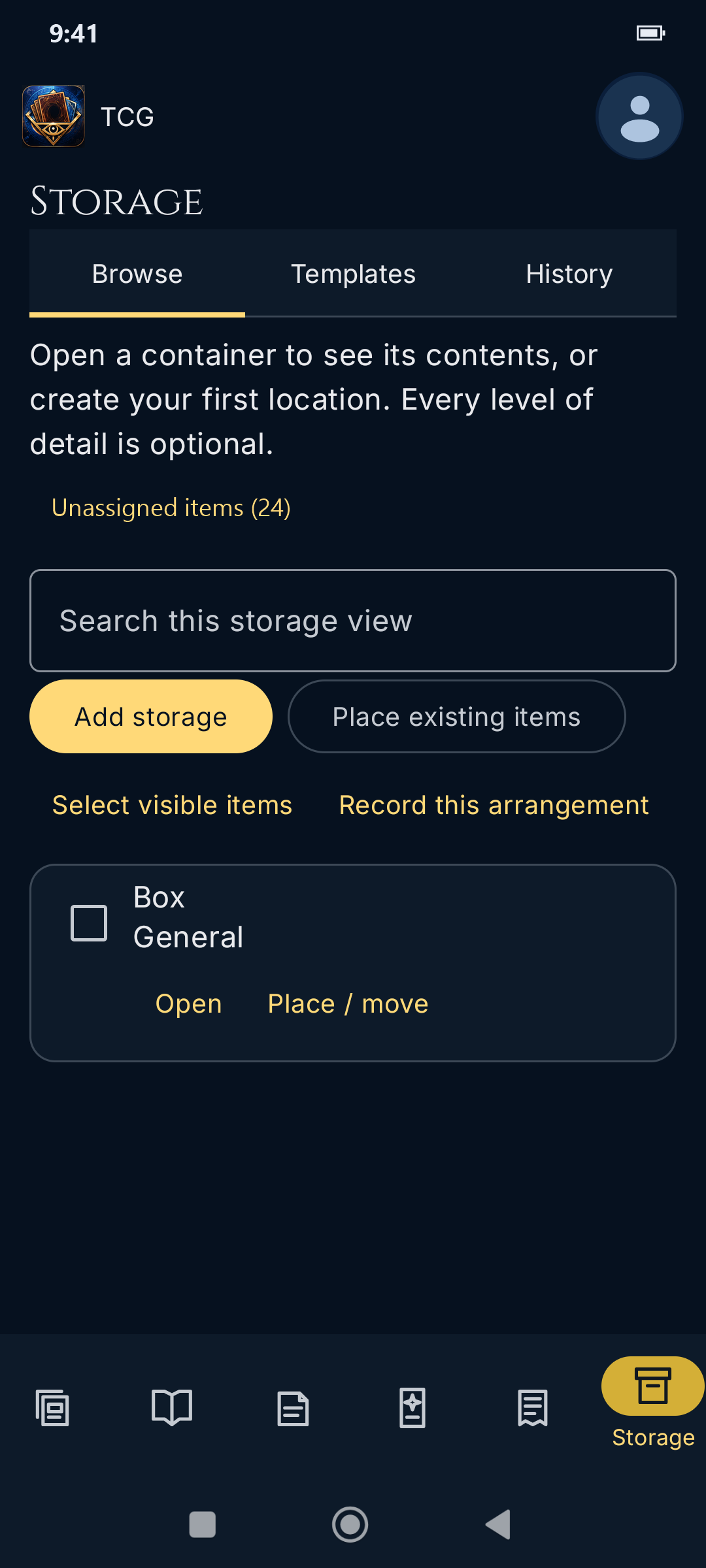
Open a box to browse its contents, move owned items, or record the current arrangement. Templates let you reuse layouts for containers such as binders.
Release status
Install YGOCG Inventory through PenPytech’s F-Droid repository. A Google Play release is planned.
To the extent permitted by applicable law, PenPytech provides YGOCG Inventory and this website as is and as available, without warranties of any kind, express or implied, and disclaims liability for losses or damages arising from use of or inability to use the app or website, including loss of collection data.
The app’s source code is distributed under the GNU General Public License, version 3 only.